

Claude Mods: How to Connect Sessions, Route Tasks, and Visualize Work
Claude Mods can extend Claude Code with cross-session coordination, custom model-routing rules, and visual panels that show observed work. A well-designed mod c...
Claude Mods can extend Claude Code with cross-session coordination, custom model-routing rules, and visual panels that show observed work. A well-designed mod c...


The aerial demonstration captured attention. The more consequential question is whether aerospace-inspired control can solve useful automotive problems—and do so repeatedly.


Work, education, creativity and the right to a meaningful life. Artificial superintelligence (ASI) would surpass the best human minds, but our dignity does not depend on winning an intelligence contest.


The table below is designed to help you build a shortlist, not to suggest that every product is directly interchangeable. The platforms use different billing un...


Last updated: August 19, 2026 The best AI voice agents solve very different problems. Retell AI is our best overall pick for flexible business deployments be...


Last updated: August 20, 2026 AI agent companies now include everything from cloud platforms that help developers build agents to specialized companies selli...
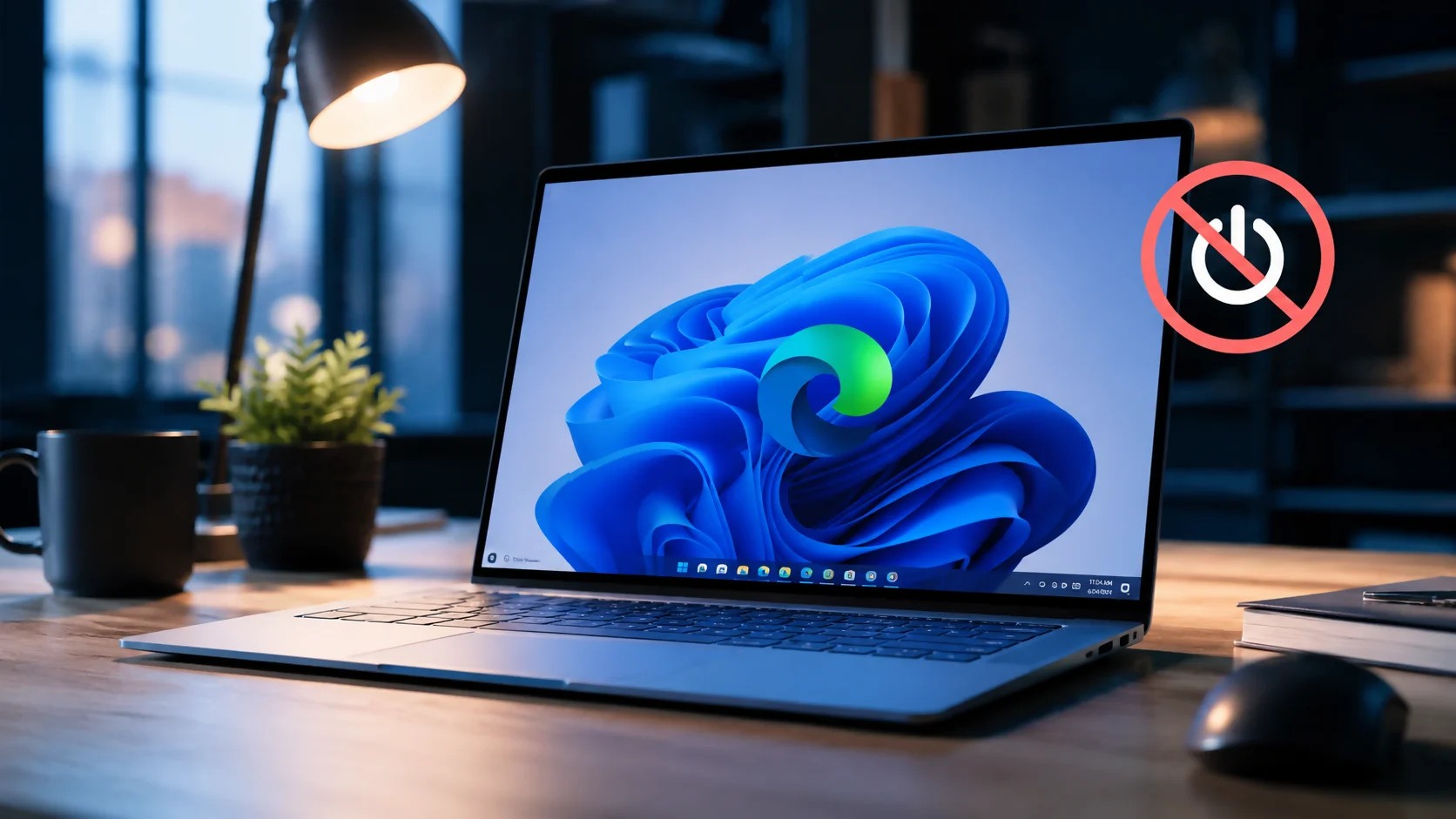
Last reviewed: August 2, 2026 To stop Microsoft Edge from opening on startup, begin with Settings > Accounts > Sign-in options and turn off Automatical...
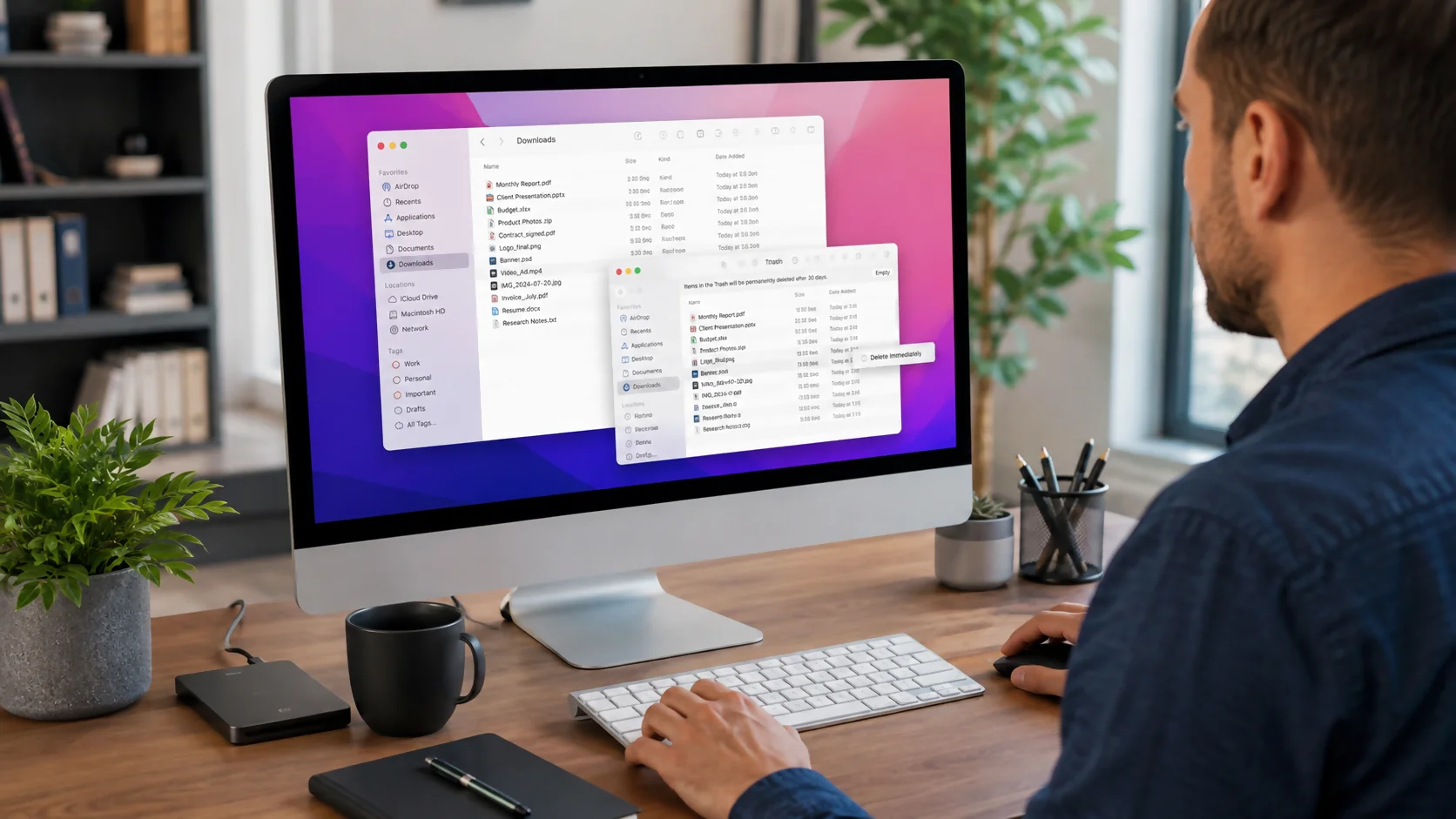
To delete downloads on a Mac, open Finder and choose Downloads from the sidebar or press Option+Command+L. Select the files you no longer need, then press Comma...


Computers Microsoft Smartphone
Microsoft Authenticator not working? Start with the fixes that do not change your accounts: open and unlock the app, confirm the correct account, switch between...


To organize photos on a Mac, first choose one master system—Apple Photos or Finder—then back it up, gather scattered images into that system, remove duplicates...


To force quit on a Mac, press Option-Command-Esc, select the unresponsive app, and click Force Quit. You can also open the Force Quit window from the Apple menu...

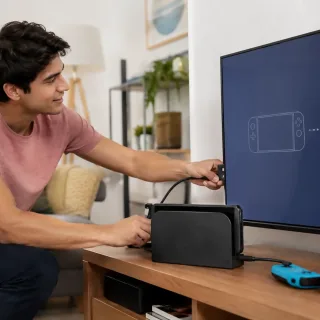
To connect Switch 2 to a TV, use the Nintendo Switch 2 dock, the Nintendo Switch 2 AC adapter, and an Ultra High Speed HDMI cable. Connect the AC adapter to the...

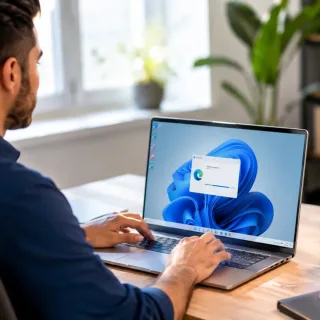
To uninstall Microsoft Edge, open Settings > Apps > Installed apps, find Microsoft Edge, and select Uninstall if Windows provides that option. On most...
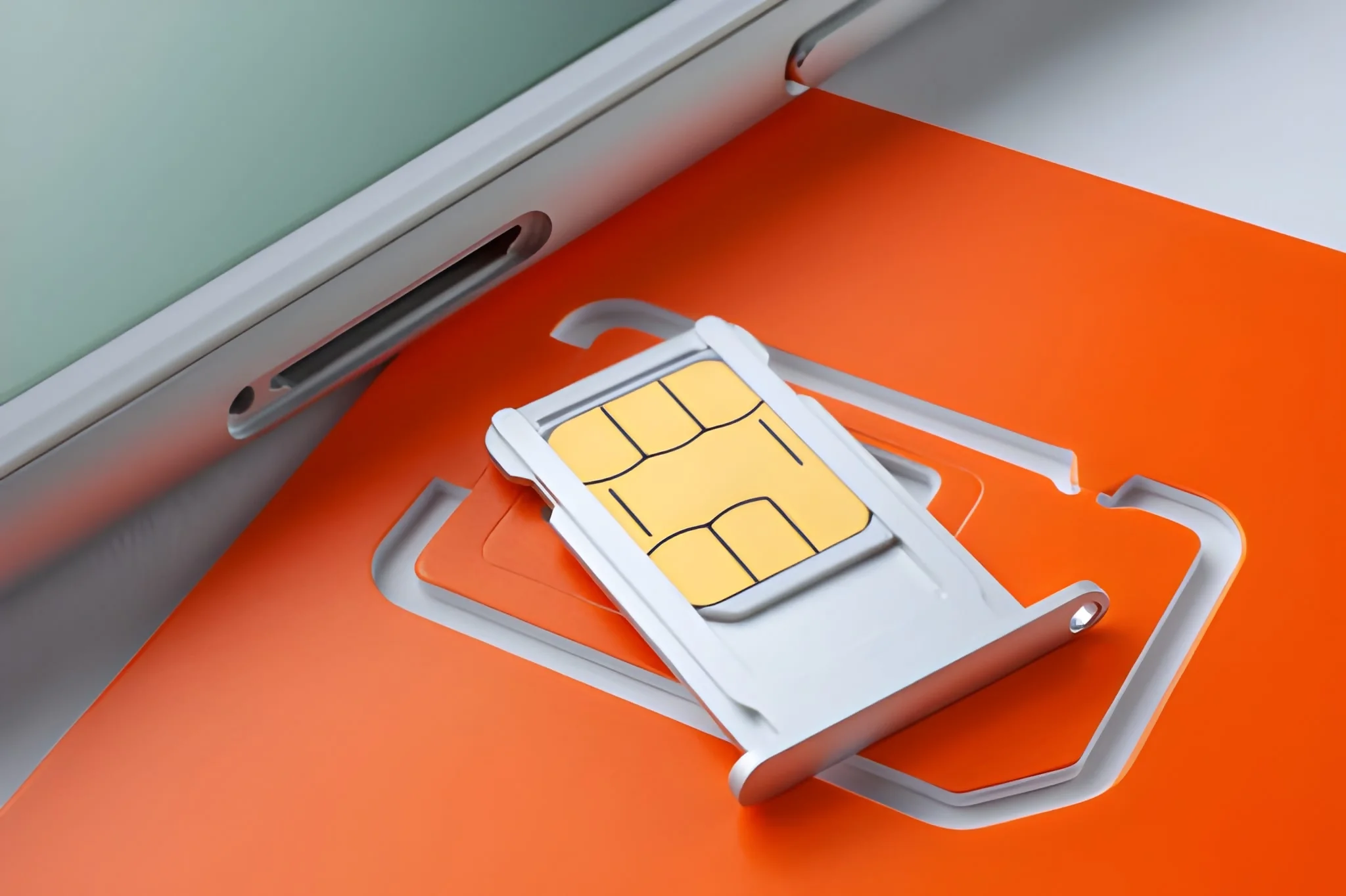
A SIM card connects your phone to your mobile carrier. It tells the carrier which phone number and cellular plan belong to your device, so your phone can make c...


A free SIM card is real, but it does not always mean free phone service. In the US, “free SIM” usually means the physical SIM or eSIM costs $0, activation is di...


Fiber optic internet works by sending data as pulses of light through thin strands of glass or plastic fiber. Instead of pushing electrical signals through copp...


A prepaid SIM card is a physical SIM card or eSIM profile that lets you use mobile service by paying in advance instead of signing a long-term contract. You usu...
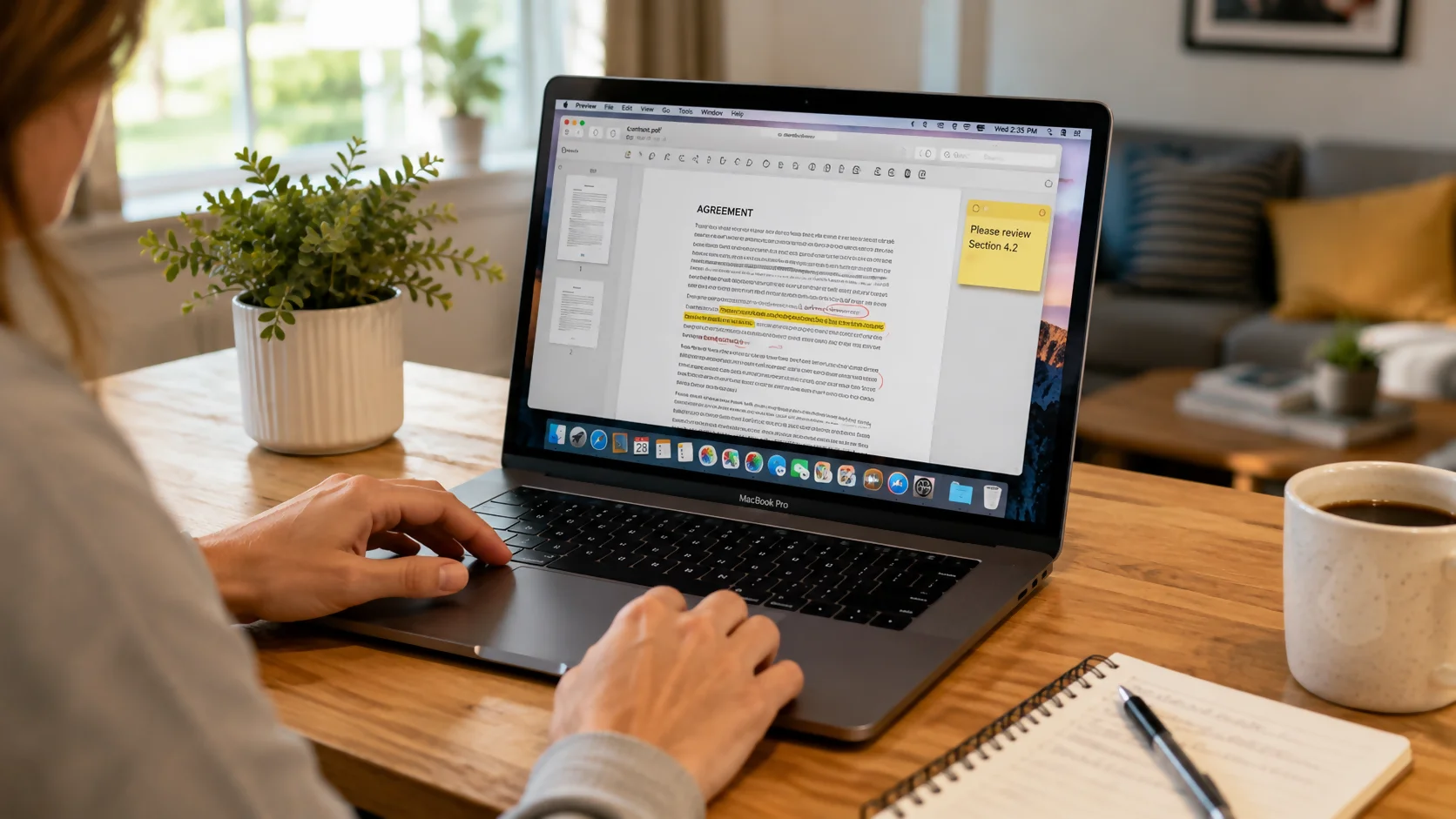
The easiest way to edit a PDF on Mac is to use the built-in Preview app. Preview lets you add text boxes, highlight text, draw shapes, add notes, rearrange page...


The best garbage disposal for most homes is usually a 3/4 HP continuous-feed model with durable grind components, good noise control, a reasonable warranty, and...
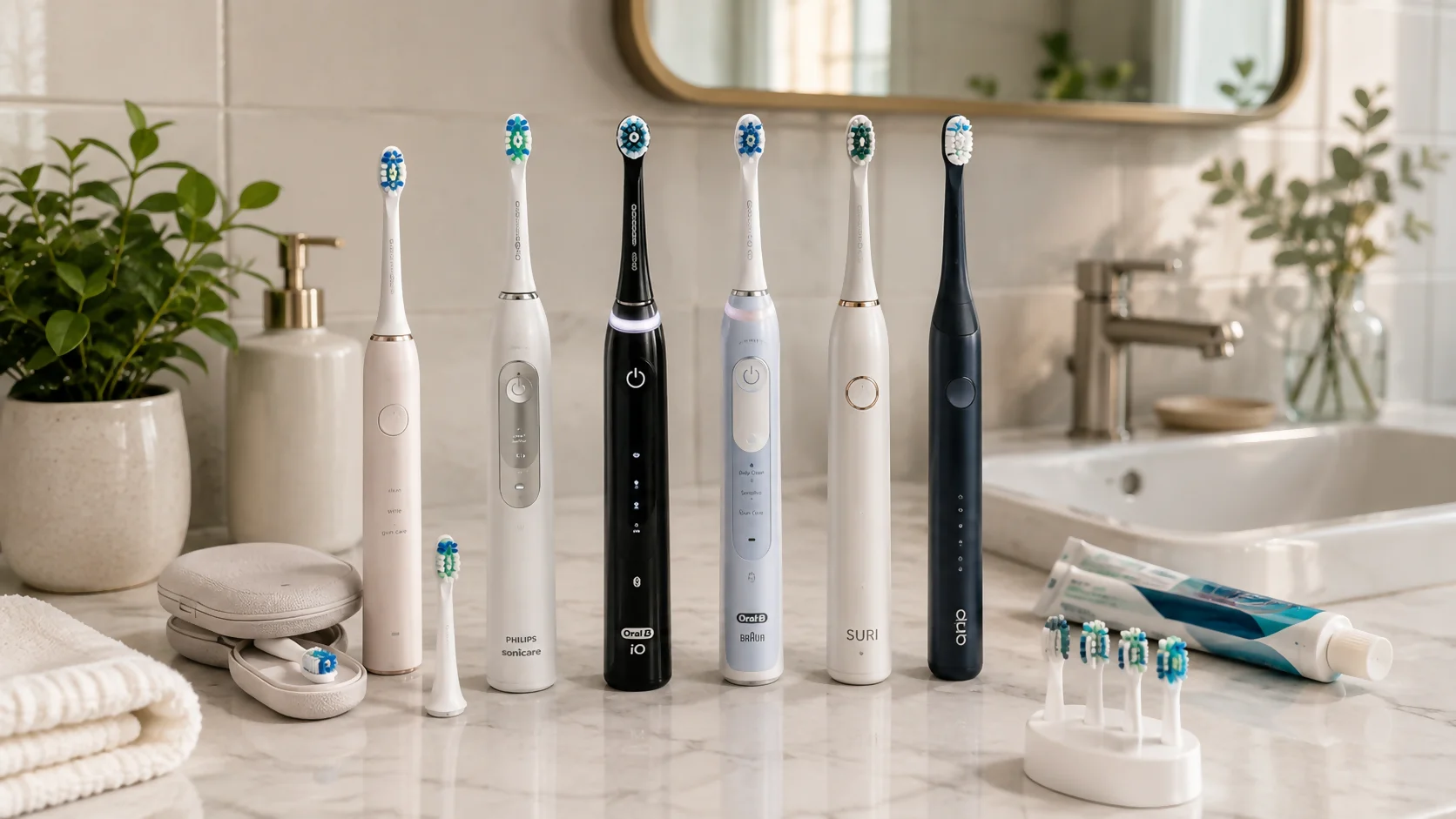
The best electric toothbrush in 2026 for most people is usually a rechargeable model with a two-minute timer, quadrant pacer, pressure sensor, comfortable brush...
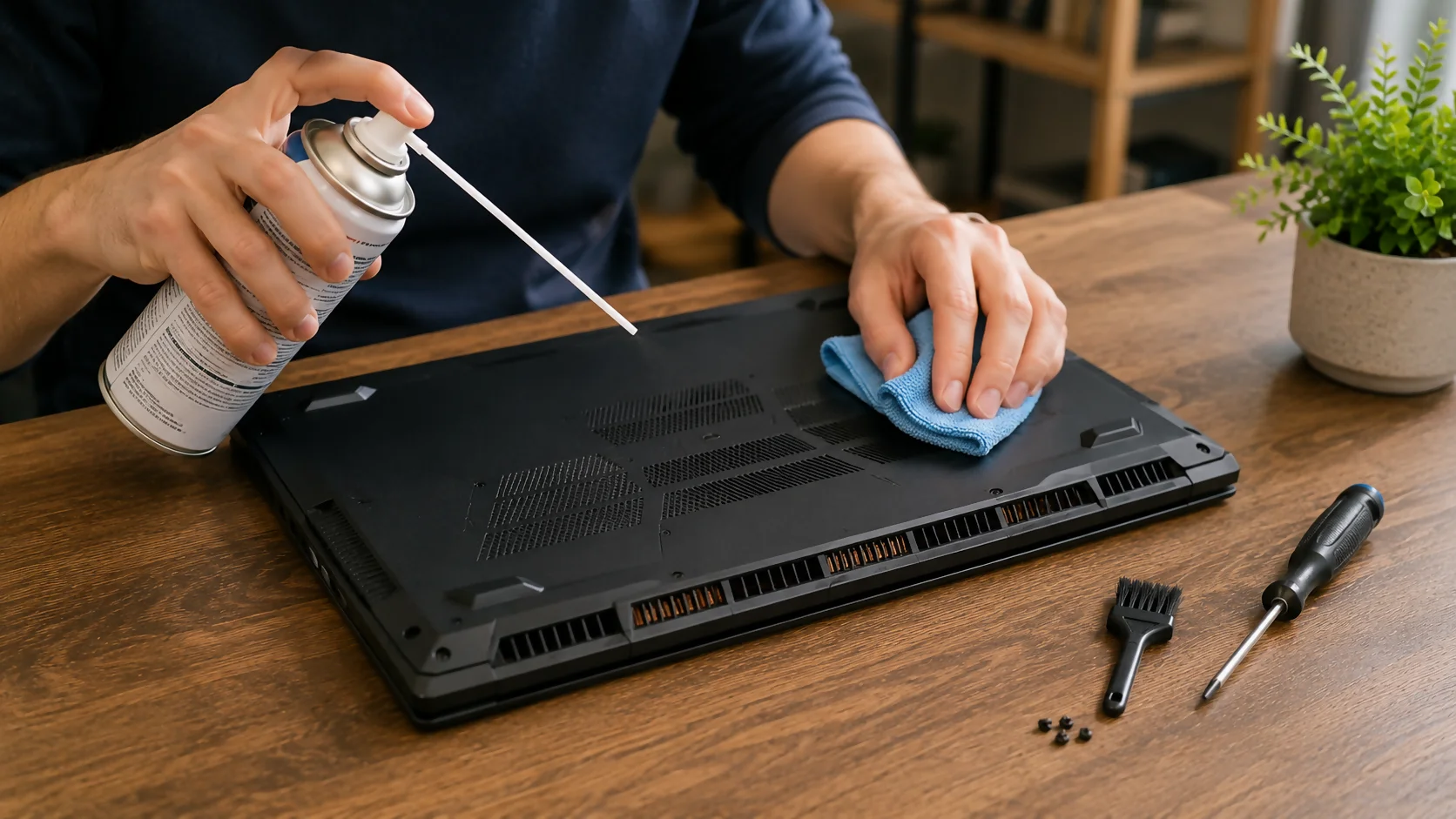
how to clean laptop fan is one of the most useful maintenance tasks you can learn if your laptop is getting loud, hot, slow, or shutting down during heavy use....


growth navigate startup tools are the systems, software, frameworks, and daily workflows that help founders move from messy early traction to organized, measura...


is mint mobile good is a fair question if you want cheaper phone service without giving up reliable coverage. Mint Mobile can be a good choice for people who wa...
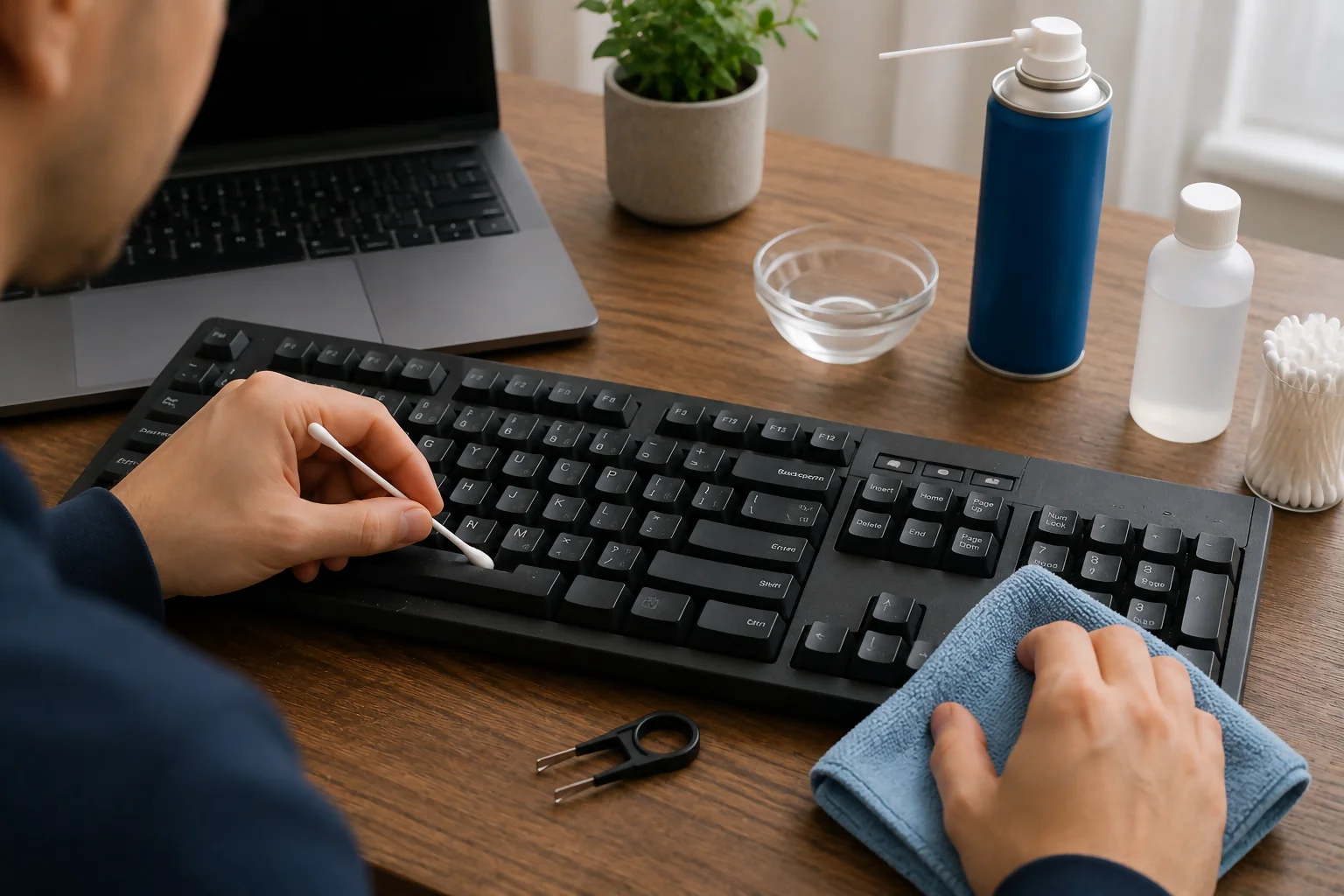
how to fix sticky keyboard keys depends on what caused the problem: dust, crumbs, dried drink residue, oil from your fingers, a worn key switch, or damage under...